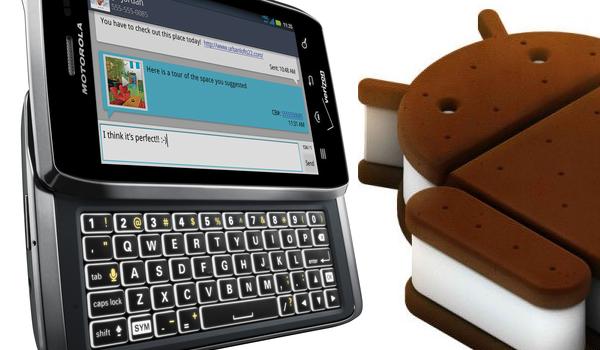
The Motorola Droid 4 is just five months old and when it was released back in January, it was just another dual-cored device running Gingerbread OS. The device did attain root at that point but with it receiving the Android 4.0.4 update recently, it’s back to looking for an easy way to obtain root access. Look no more though, as the post below will help you do just that in a few easy steps.
By EditAndroid
I. Before You Begin
The procedure below will not affect the data on your device in any way, but do make a backup of important data before you proceed as a precaution.
II. Necessary Downloads
III. Rooting the Motorola Droid 4
1. Enable USB Debugging on your device. To do this, head to Settings > Development and check the Enable USB Debugging tickbox.
2. Connect your device to your Windows PC and change the type of connection to Windows Media Sync instead of Mass Storage.
3. Extract the ICS404root.zip file you downloaded above to a folder on your desktop.
4. From the extracted folder, double-click rootscript.bat to run the script.
5. Hit Enter once you have made sure that you have enabled USB Debugging and the device is in Camera Mode.
After the script finishes running, your Droid 4 should be rooted and ready to run all those root-requiring apps available on Google Play!!

No comments:
Post a Comment