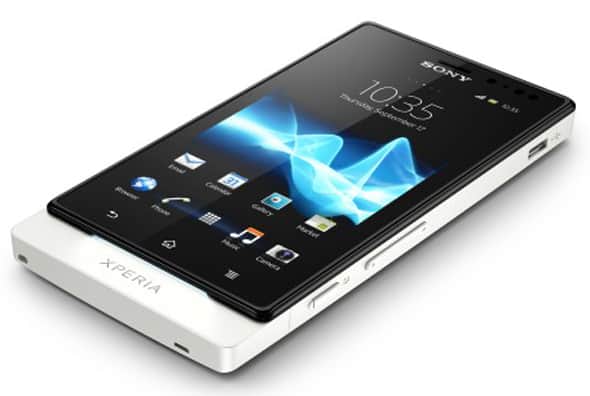
The Xperia Sola is a mid-range device that features a 3.7-inch touchscreen display, a dual-core 1GHz CPU with half a gig of RAM and a 5MP shooter. The device was released in May 2012 with Android 2.3 Gingerbread onboard but Sony recently updated the device to Android 4.0. This post will show you how to root that ICS firmware and use all those root-requiring apps that everybody seems to have. You could also later install a custom recovery and try out custom ROMs of your choice but rooting is the very first step to get there. So read on then to know how to root your Sony Xperia Sola.
By EditAndroid
I. Before You Begin
1. This procedure only works with Xperia Sola devices running Android 4.0.4. If this is not the firmware you are running, update your device officially to this version and then come back here to continue.
2. Make sure that you have at least 75% of your device’s battery charged before you begin.
II. Necessary Downloads
III. Rooting the Sony Xperia Sola
1. Enable USB Debugging on your device. To do this, go to Setttings > Development and tick the USB debugging checkbox.
2. Connect your device to your PC via USB.
3. Extract the Root_with_Restore_by_Bin4ry_v9_4.zip to a folder on your desktop.
4. From the extracted folder, double-click on RunMe.bat to start the process.
5. Type in 1 and hit the Enter key.
6. Follow on-screen instructions.
After your device is done rebooting two or three times, your Xperia Sola should be rooted!
IV. Unrooting the Sony Xperia Sola
1. Follow the same instructions as in the previous section until Step 4.
2. Key in x and hit the Enter key.

No comments:
Post a Comment