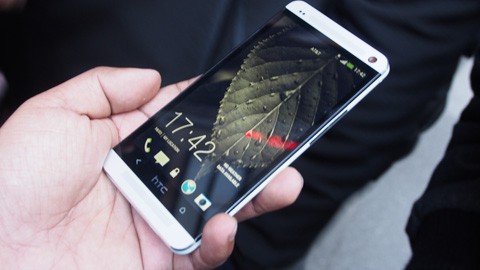
Want to unroot your HTC One (M7) smartphone and get it back to stock firmware? No problem, it’s not a big deal and the following guide will teach you how to do just that. Unrooting and getting your device back to stock will reinstate the warranty of your device and you will have the pure Android experience, no customizations, nothing. So, here’s how you can do it:
By EditAndroid
I. Before You Begin:
1. You should have rooted your device using the procedure given here.
2. Your device should have at least 70% of battery life left.
II. Downloading Required Files:
1. Stock Firmware (Download the appropriate firmware for your device)
2. Fastboot
III. Unrooting the HTC One (M7):
1. Download and place both the files onto your Desktop.
2. Extract files from the Fastboot archive to your Desktop. Leave the other archive as is.
3. Turn OFF your device.
4. Reboot your device into bootloader mode. To do that, press and hold the Volume UP+Power buttons together.
5. Connect your device to your PC using the USB cable.
6. Open a Command Prompt Window on the Desktop of your PC. To do so, press and hold the Shift button on your keyboard and right-click on any empty area on the screen, then select Open command window here.
7. Type in following commands into the Command Prompt Window:
fastboot oem rebootRUU
fastboot flash zip firmware.zip
8. Once it’s done, reboot your device.
9. And you’re unrooted now!
Great! You’re now back to stock firmware and you do not have root-access any longer. The warranty of your device has also been reinstated!

No comments:
Post a Comment